

 Chats
Chats Calendar
 Meetings
 Contacts
 Mail
Mail Docs
Docs Drive
Drive AI Table
 AI Minutes
 Attendance
 Approval
 YiDA
YiDA Admin Console
Single-Record Retrieval Node
- Sign in to the YiDA workbench and click My Apps.
- Select the app you need and go to the App Settings page.
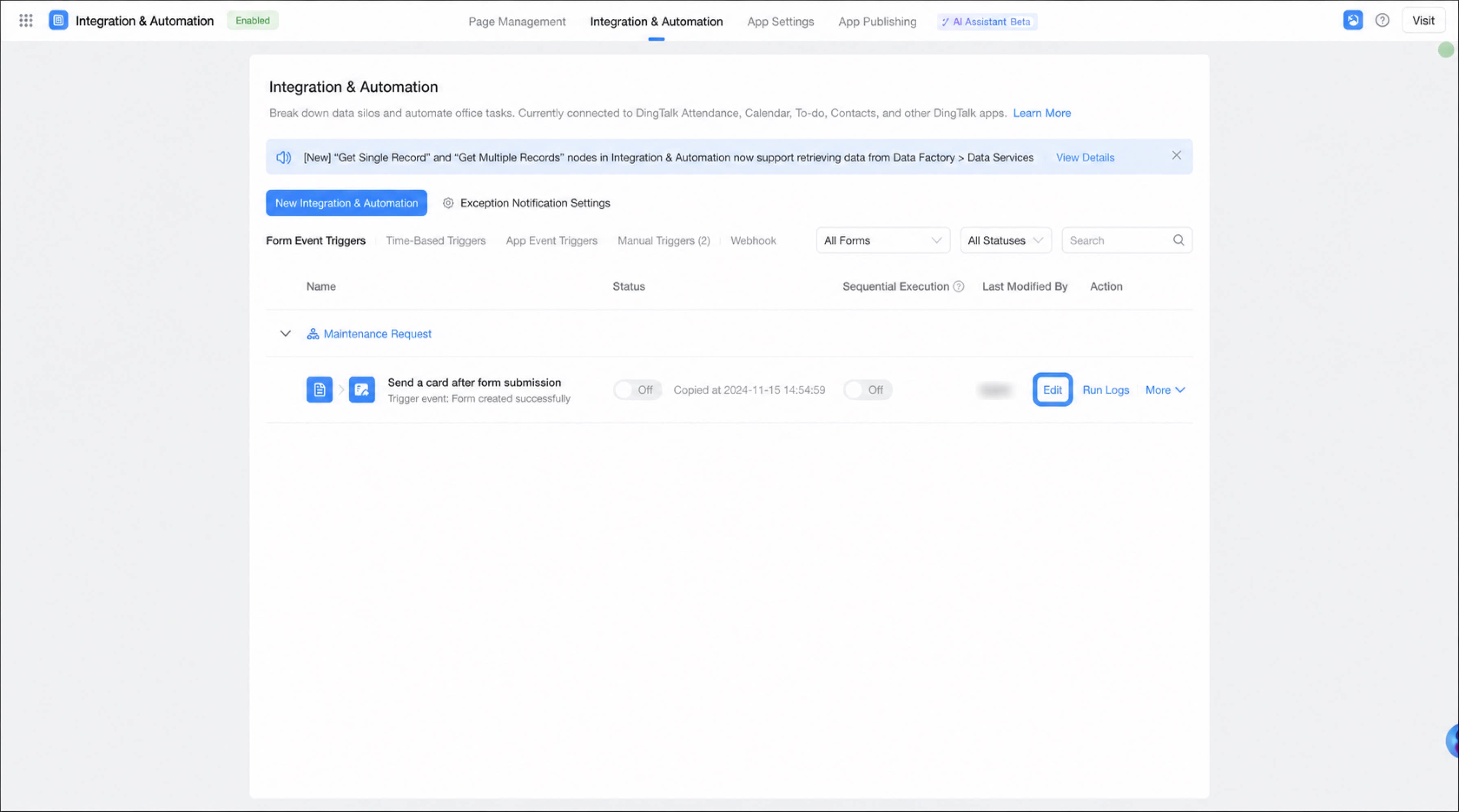
- Click Integration & Automation, select an existing integration & automation flow, and click Edit.
- Move the cursor to the connection line of an approval node. A + button appears. Click + and select the Get Single Record node.
- Select a data retrieval method. Data can be retrieved from the following sources.
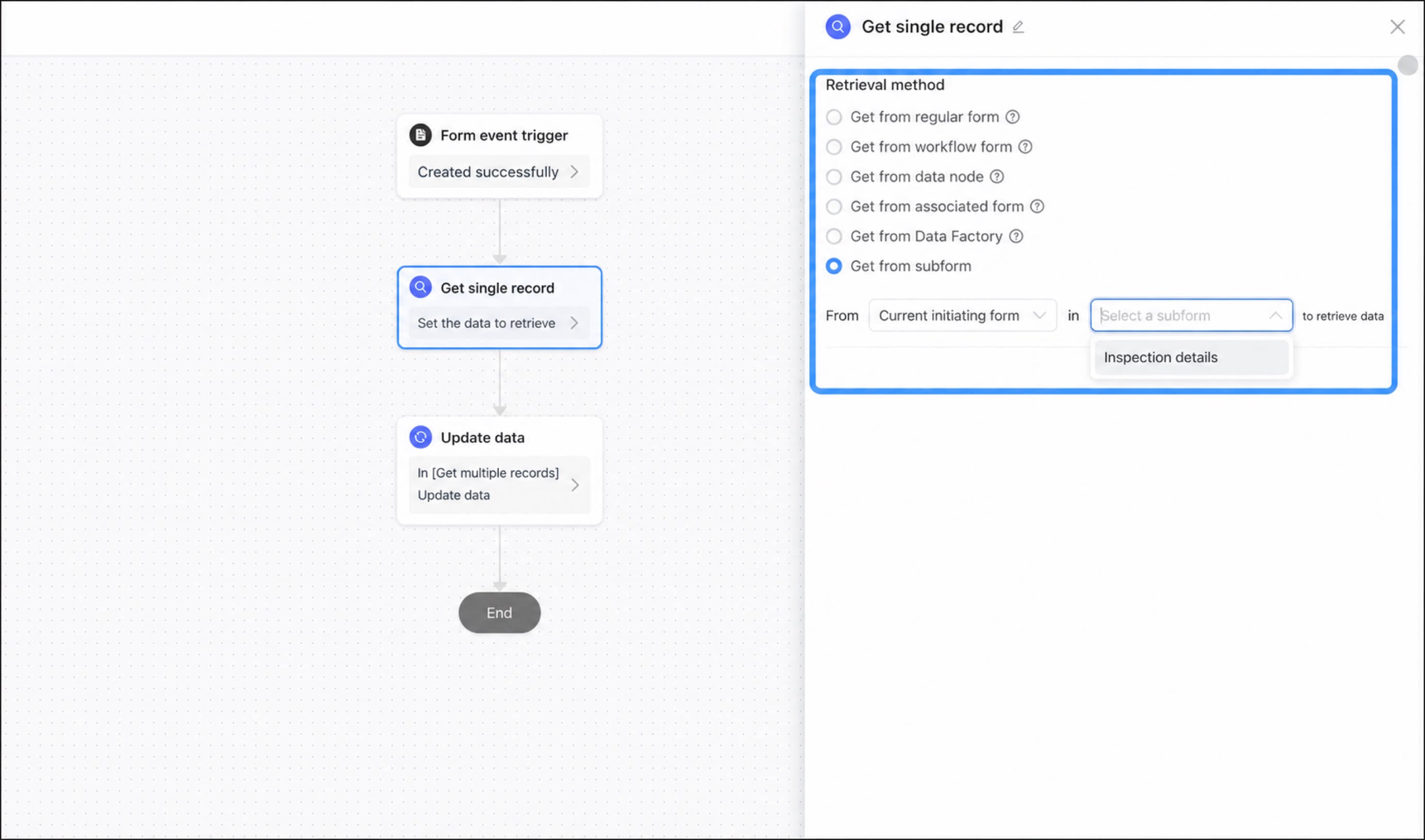
1
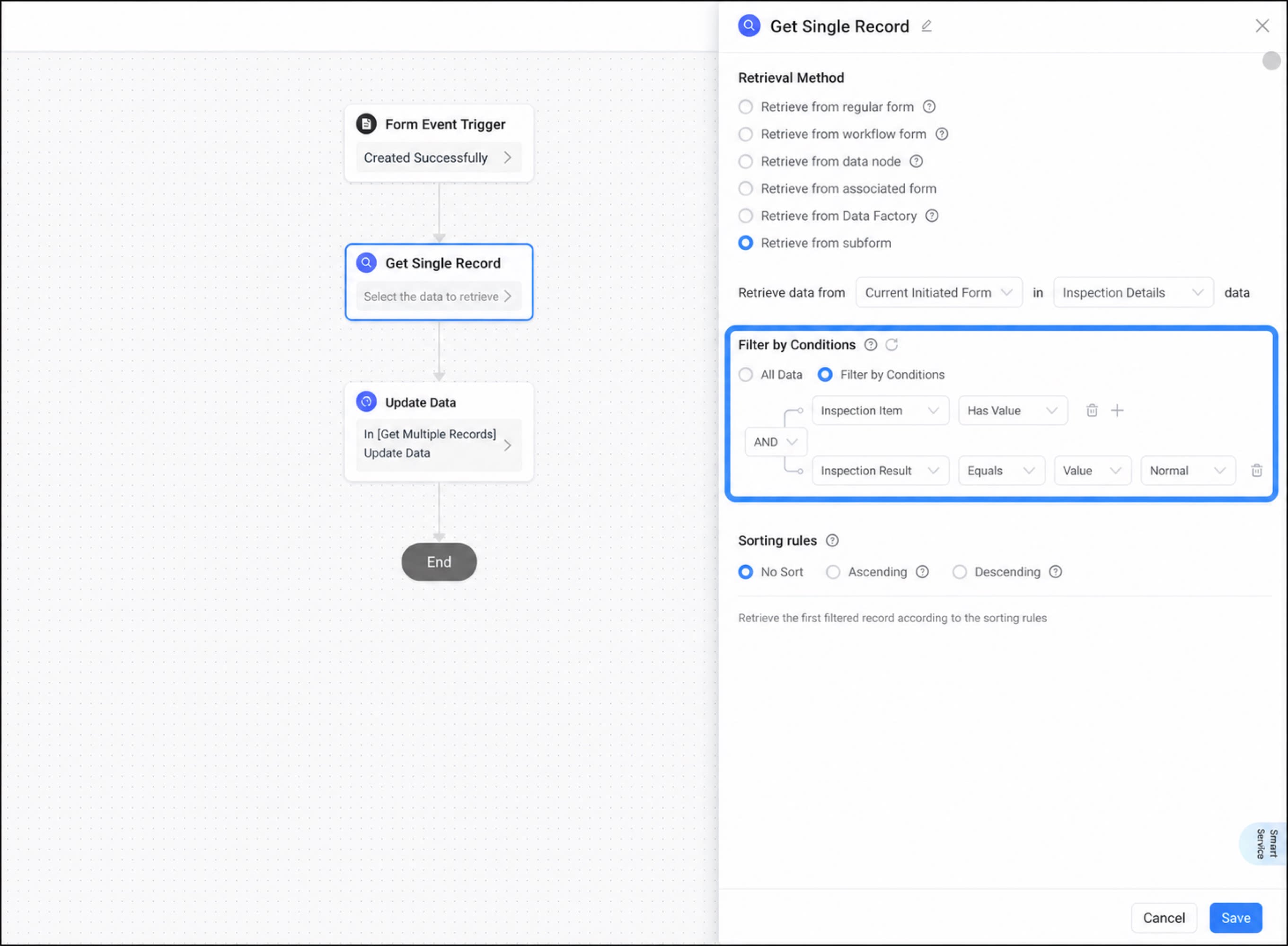
Configure data filter conditions. You can select all data or filter by conditions.
2
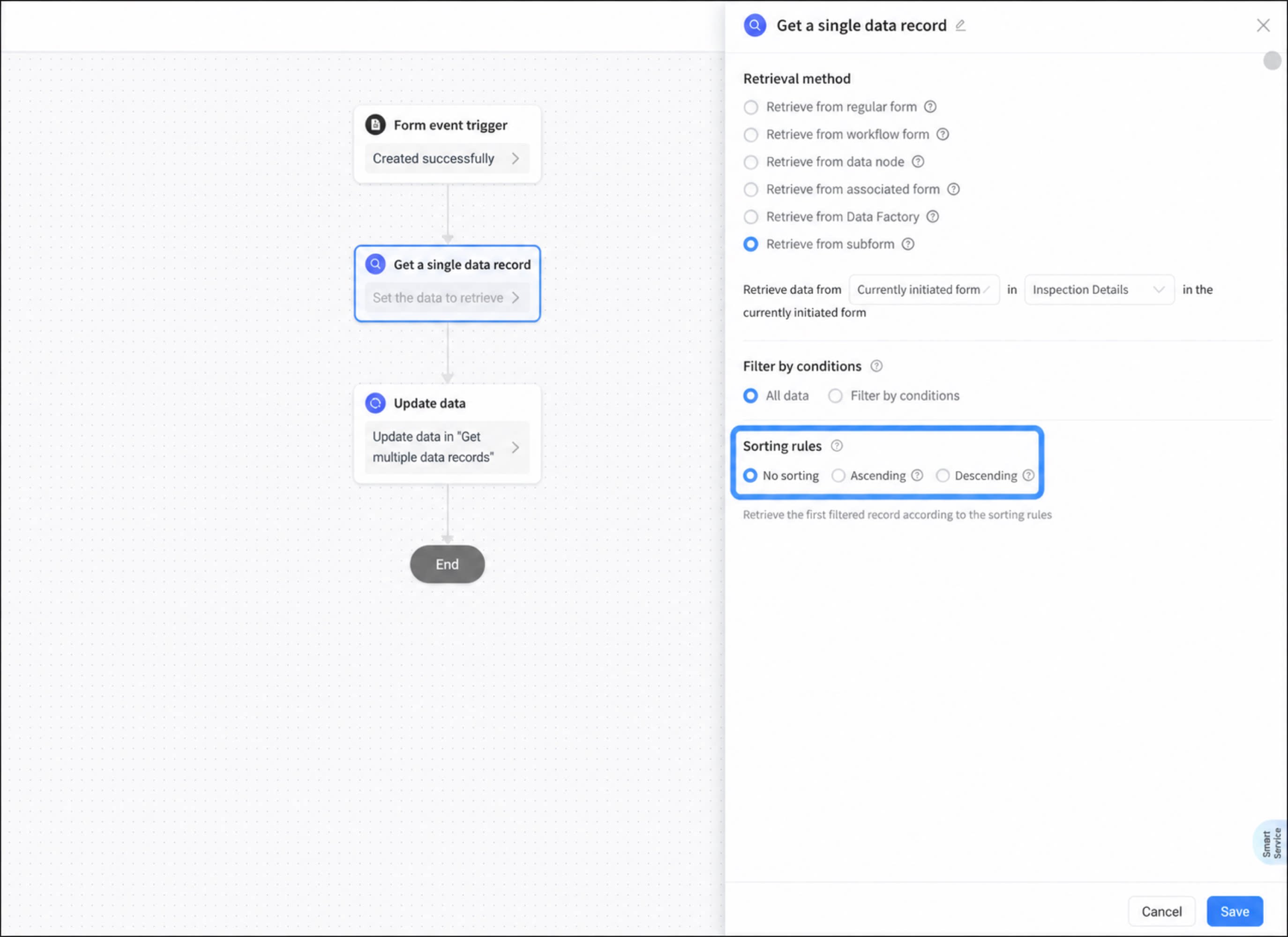
Configure sorting rules.
If multiple records match, the first record after filtering is returned based on the sorting rules.
- When configuration is complete, click Save.
Multi-Record Retrieval Node
The multi-record retrieval node works much like the single-record retrieval node. The only difference is that a single-record retrieval node returns just one record, while a multi-record retrieval node returns multiple records.Notes
Keep the following in mind when using data retrieval nodes:- If a single-record retrieval node matches multiple records, the first record after filtering is returned based on the configured sorting rules.
- A multi-record retrieval node can retrieve up to 2,000 records at a time. (The Dedicated edition supports up to 2,000 records per retrieval; other editions support up to 100.)