

 Chats
Chats Calendar
 Meetings
 Contacts
 Mail
Mail Docs
Docs Drive
Drive AI Table
 AI Minutes
 Attendance
 Approval
 YiDA
YiDA Admin Console
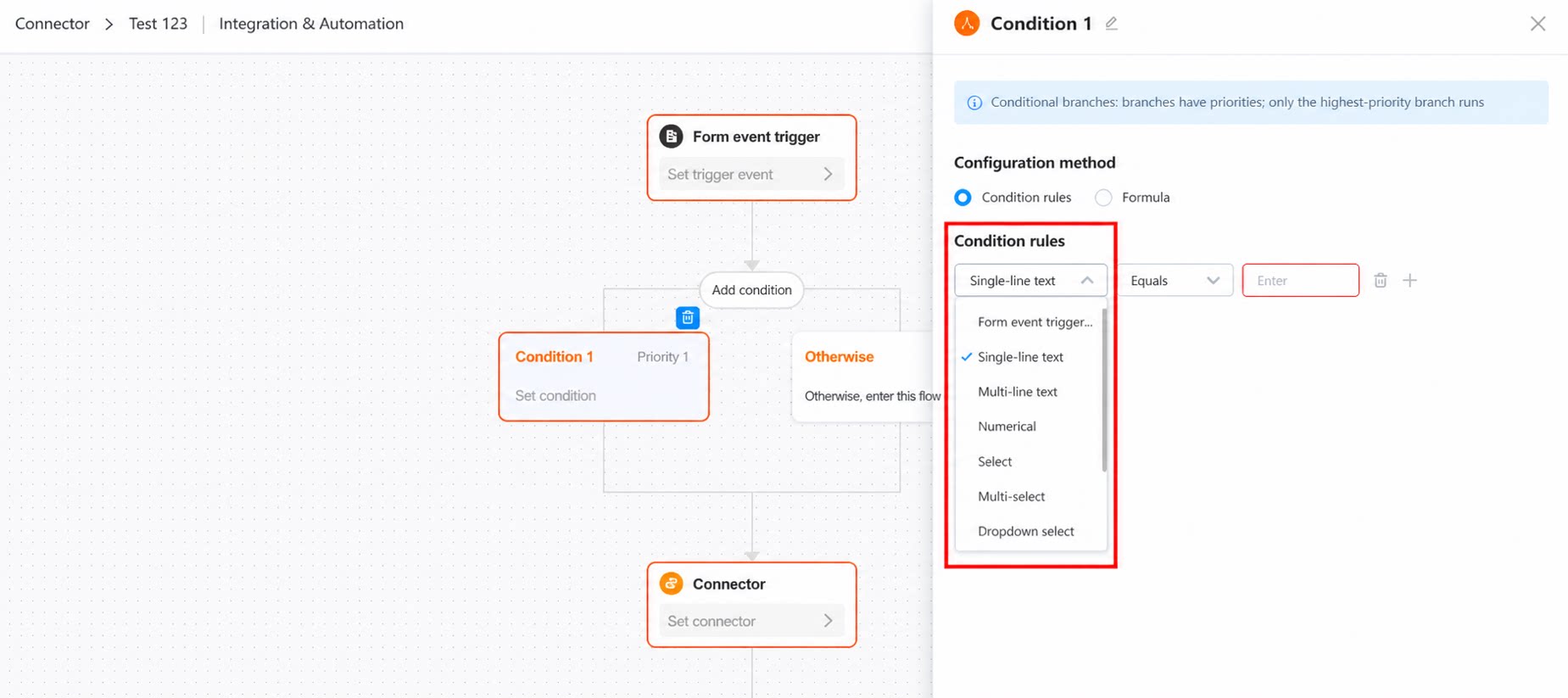
Conditional Rules
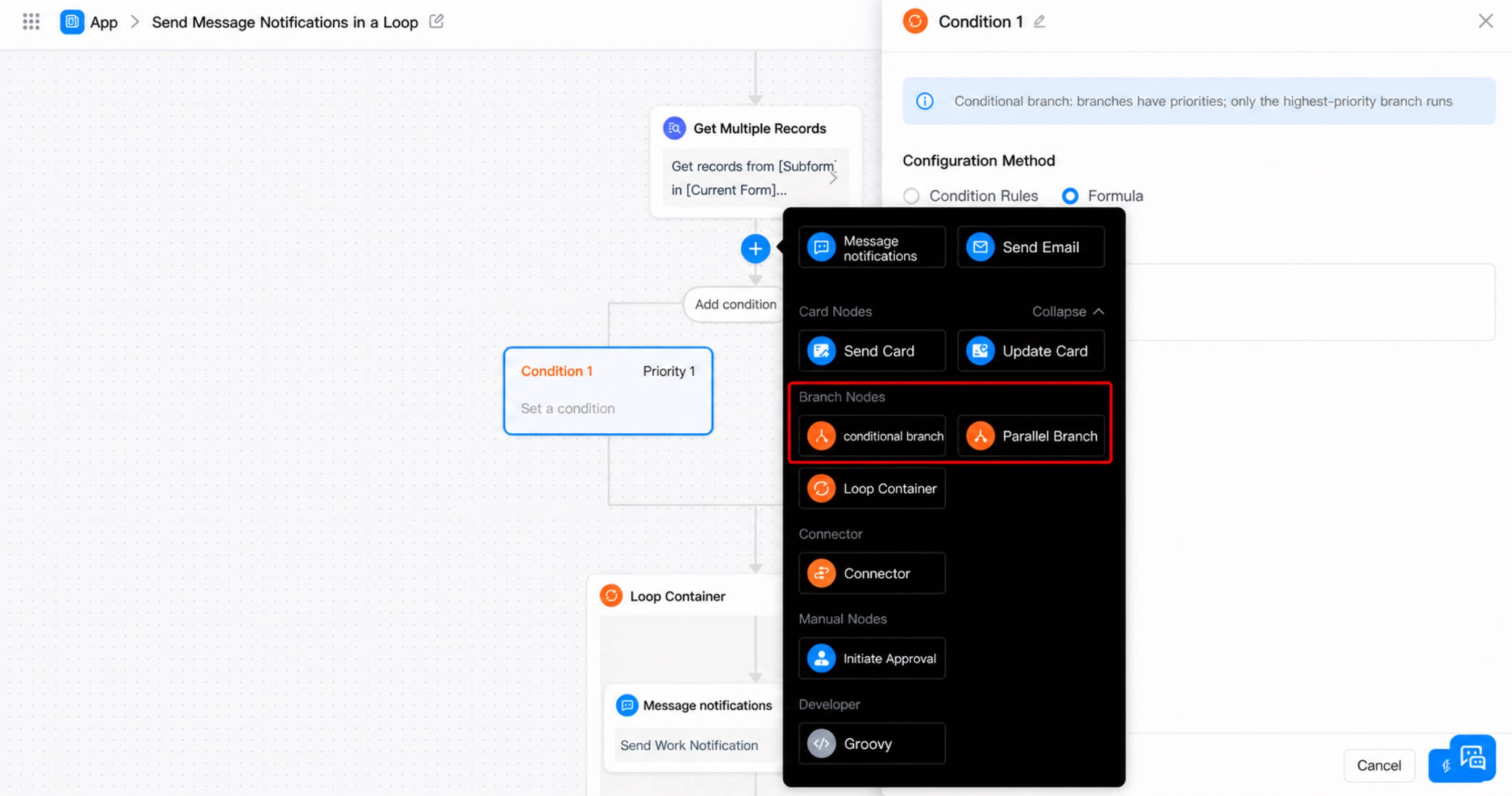
- Conditional branch: Conditional branches follow priorities, and only the highest-priority branch runs.
- Parallel branch: Parallel branches have no priorities, and every branch whose conditions are met runs.
Formula
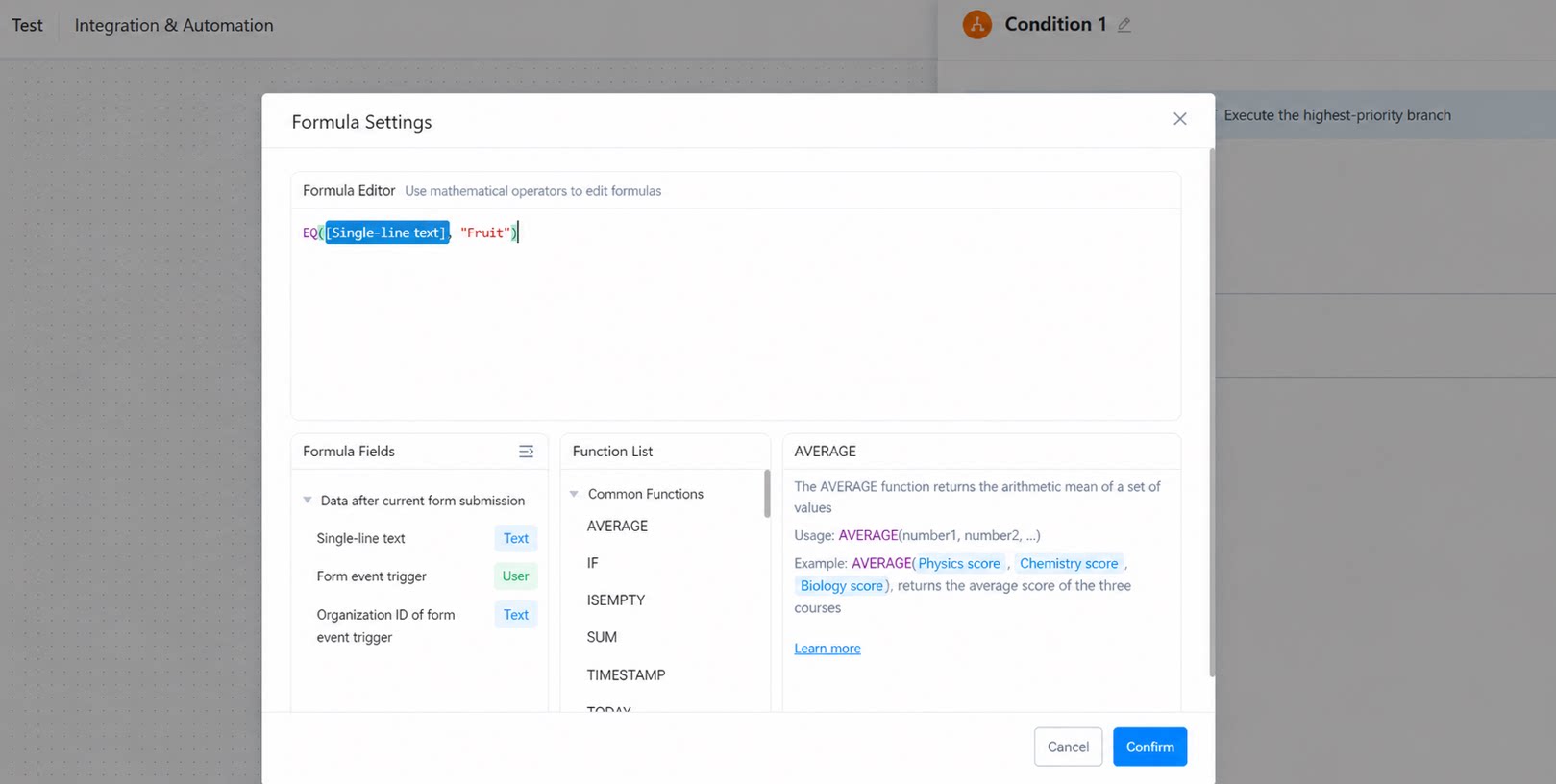
To use a formula to edit the fields of the current form as a conditional branch, use functions from Logical Functions to evaluate whether the condition is met. See the example below: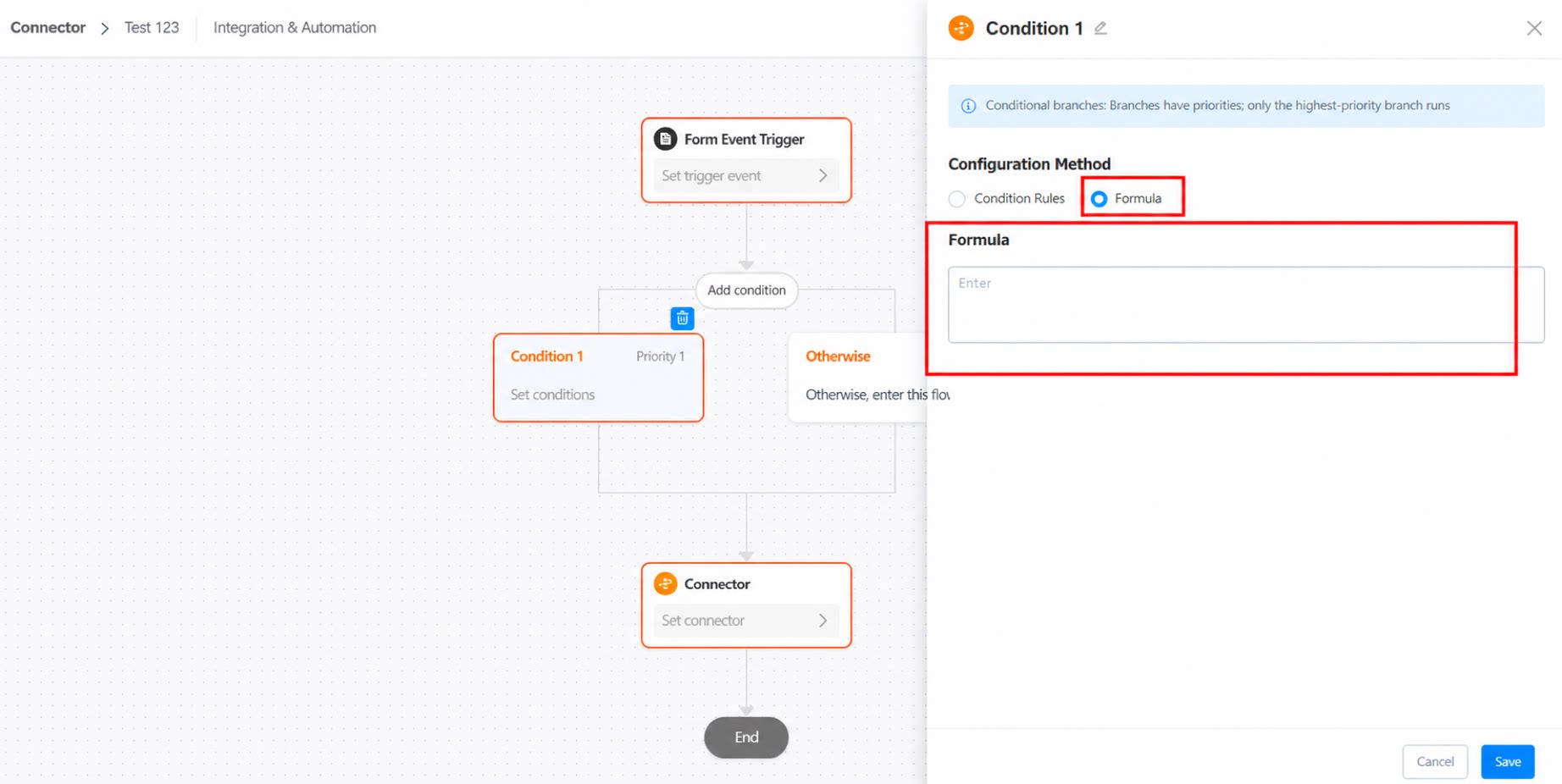
For more content, see Process branch node.